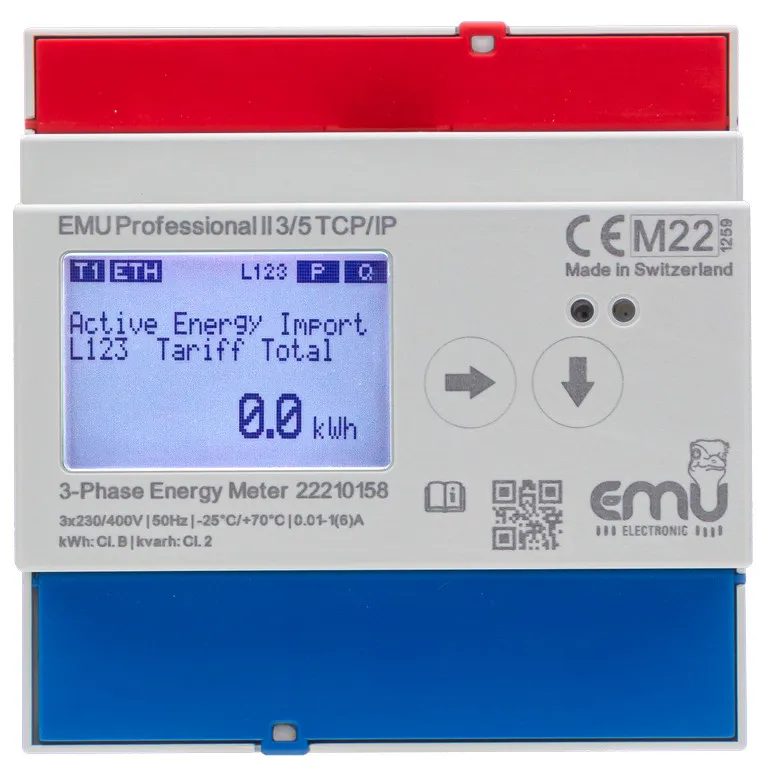
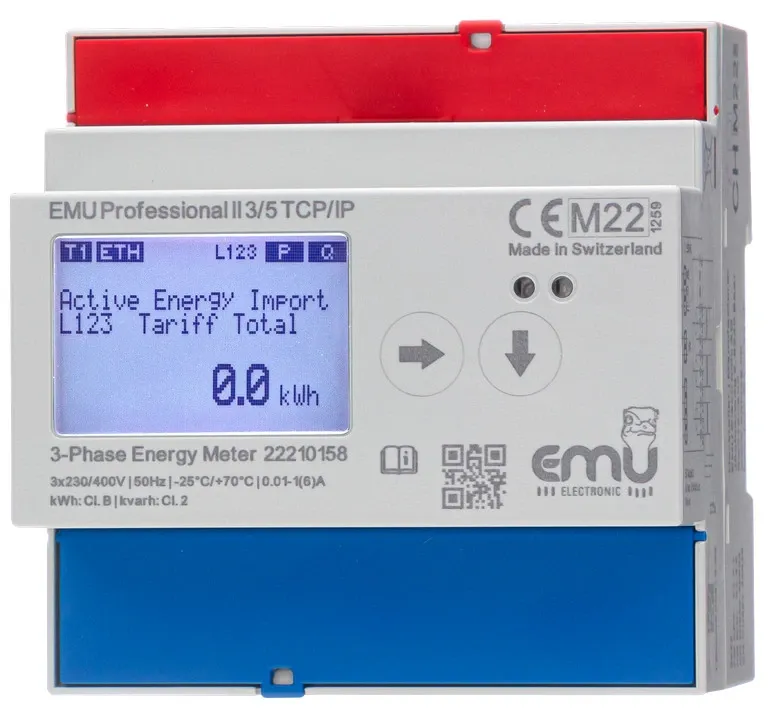
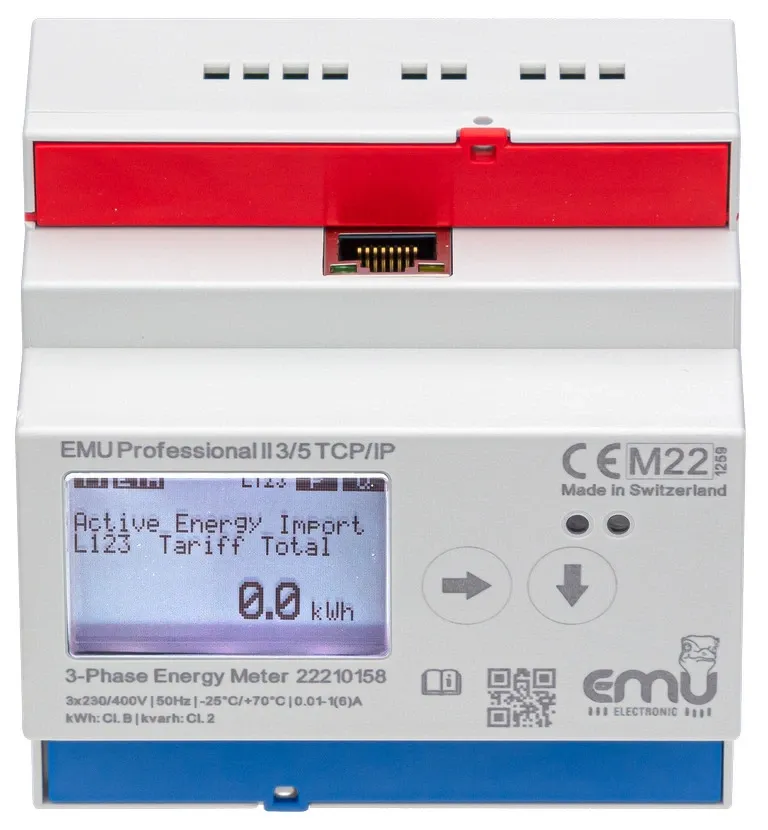

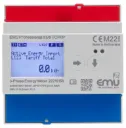
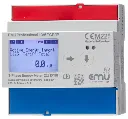
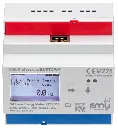
Product properties
EMU ENERGY MANAGEMENT - BILLING
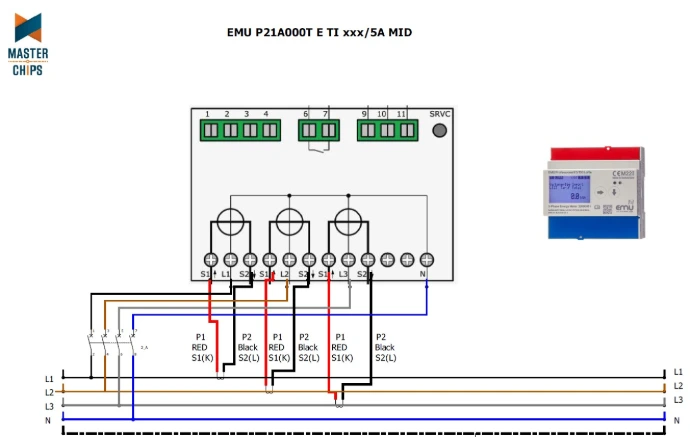
Connection diagram
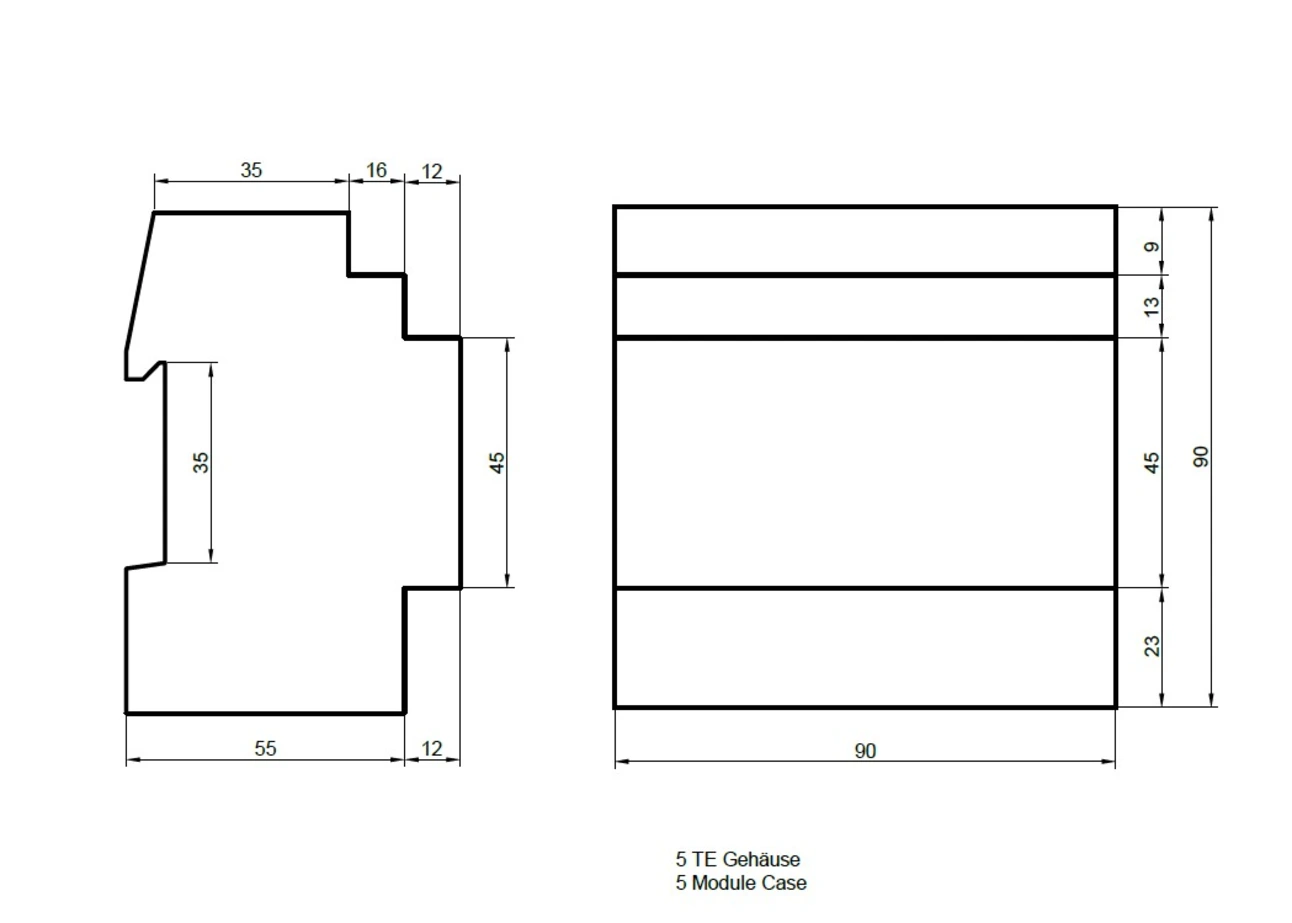
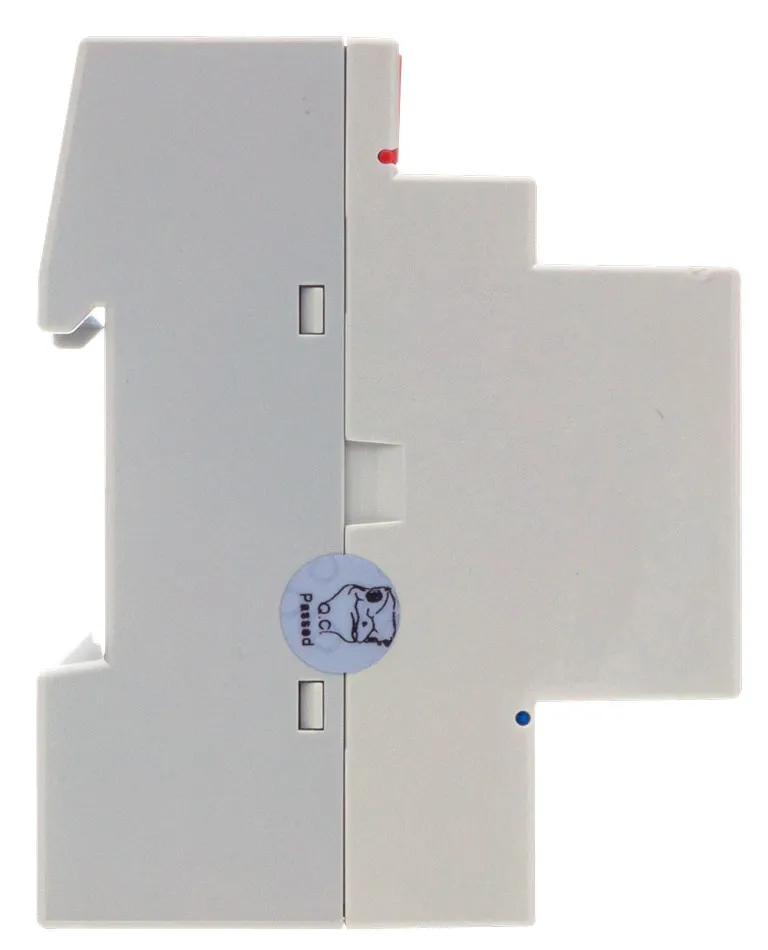
Dimensions
TCP/IP Energy Meter Configuration
Once the EMU Professional II TCP/IP is connected to your network via an Ethernet cable, you can access it via a web browser. Go to your meter at the following address:
http://[IP address of the meter]/
You can find the IP address under "Settings" > "IP address"
This will take you to the web interface of the device for further configuration.
Measurements on the LoRa electricity meter
- Active power (kW)
- Reactive power (kvar)
- Apparent power (kVA)
- Current (A)
- Consumption of active energy (kWh) and delivery (kWh)
- Reactive energy consumption (kvarh) and delivery (kvarh)
- Frequency (Hz)
- Number of power interruptions
S0 pulse output
In addition to the LoRa radio interface, the EMU Professional II energy meter has a configurable S0 pulse output.
- Active energy consumption or active energy supply
- Reactive energy consumption or reactive energy supply
Factory configuration with direct connection: 1,000 pulses/ kWh, 40 ms
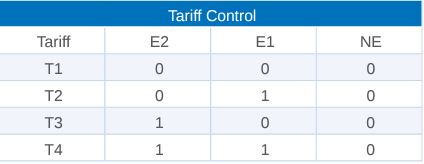
Rate Control
Tariff switching occurs by connecting 230VAC to the corresponding terminal.
0 = no voltage; 1 = 230VAC,
Alternative products
These other products may interest you